
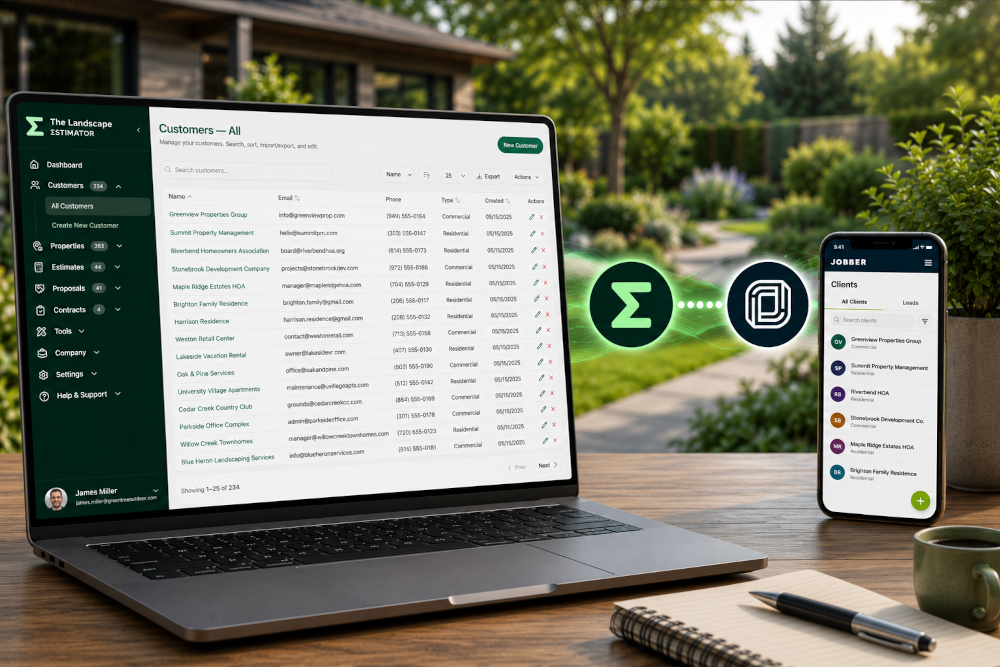
Many landscaping companies use more than one software platform to run their business. You might build estimates in TLE while managing scheduling, invoicing, and client communication inside Jobber.
The challenge is keeping customer information organized without entering the same data multiple times.
That’s why The Landscape Estimator (TLE) includes Jobber-compatible customer imports and exports — making it easier to move customer information between both platforms using simple CSV files.
Whether you’re migrating systems, syncing customer records, or cleaning up your workflow, getting customer data into TLE or Jobber only takes a few minutes.
Why Contractors Move Customer Data Between TLE and Jobber
Landscaping and lawn care businesses often use TLE and Jobber together for different parts of the business.
TLE helps contractors quickly build professional landscape estimates, while Jobber is commonly used for scheduling, invoicing, client management, and field operations.
Importing and exporting customer data helps businesses:
Avoid duplicate data entry
Speed up estimate creation
Keep customer records organized
Simplify onboarding into new software
Clean up and standardize customer information
Save administrative time for office staff
Exporting Customers from TLE for Jobber
TLE allows you to export customer information into a CSV format that can be imported into Jobber.
From the Customers page in TLE:
Click Export
Select Jobber Export
Download the generated CSV file
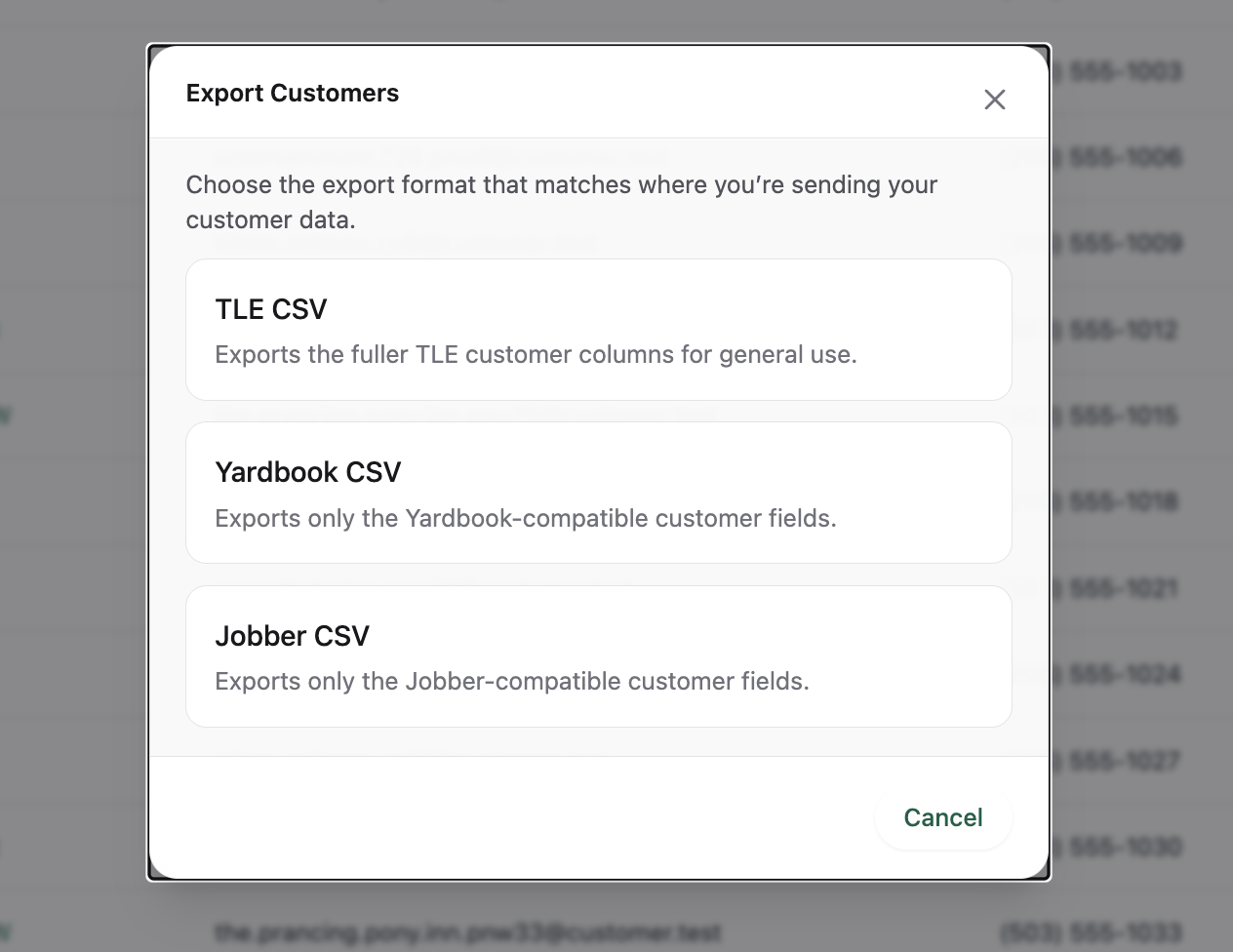
The export is structured to work with Jobber’s customer import process, helping reduce manual formatting before import.
Importing Customers into Jobber
Jobber includes a built-in client import tool that allows contractors to upload CSV customer files directly into their account.
Inside Jobber:
Go to the Clients section
Click More Actions
Select Import Clients
Upload your CSV file
Review the import preview
Confirm the import
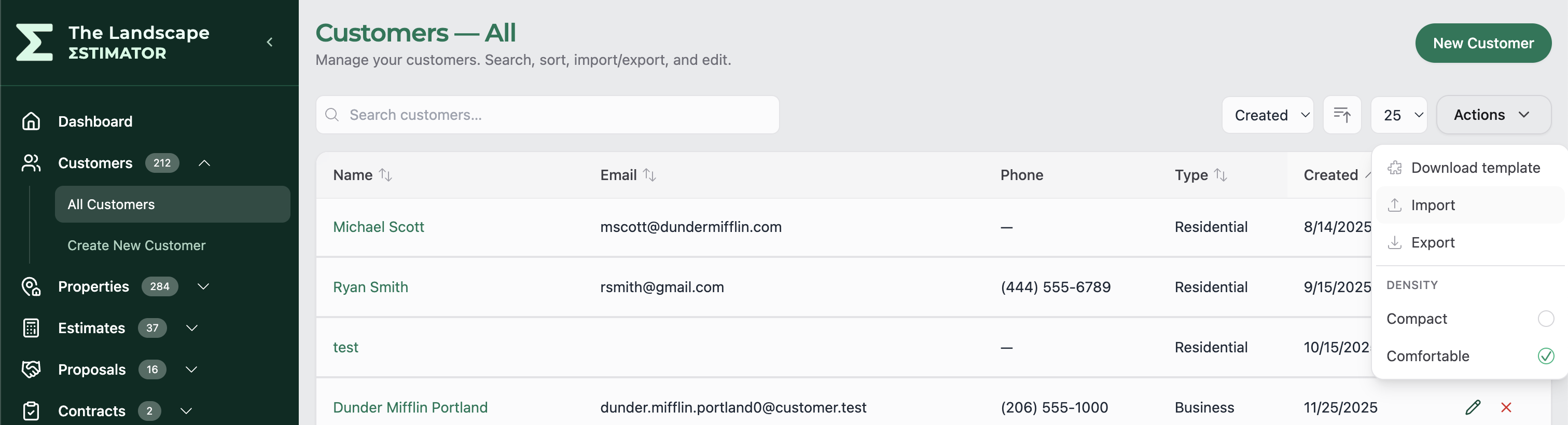
Jobber walks you through the import process and helps map customer information before anything is added to your account.
What Information Transfers Between TLE and Jobber?
Most standard customer information can move smoothly between platforms, including:
Customer and company names
Email addresses
Phone numbers
Property addresses
Billing addresses
Notes and contact details
Jobber also supports importing certain custom text-based client fields during imports.
However, platform-specific information may not transfer perfectly between systems. Features unique to Jobber or TLE may require manual review after importing.
Exporting Customers from Jobber into TLE
If you already use Jobber, exporting your customer list is simple.
Inside Jobber:
Open the Clients page
Click More Actions
Select Export Clients
Choose CSV export
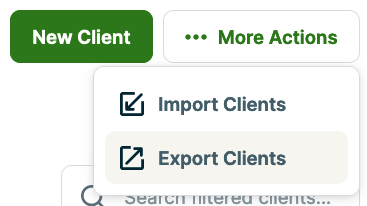
Jobber can export full customer lists or filtered customer lists based on tags.
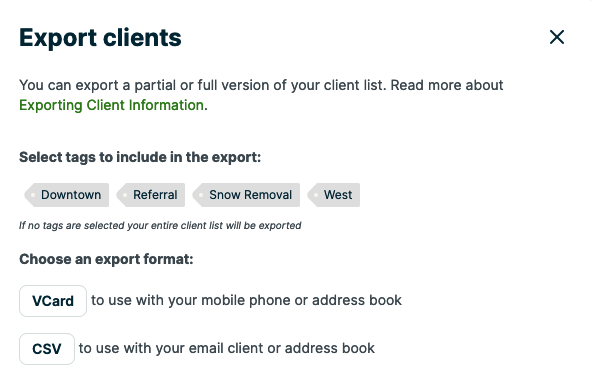
Once exported, that CSV file can be imported directly into TLE to help you start building estimates faster.
Why Many Landscapers Use TLE Alongside Jobber
Many contractors prefer using specialized tools for different parts of their workflow.
A common setup is:
TLE for estimating and proposal building
Jobber for scheduling, invoicing, and customer management
This allows businesses to create professional landscape estimates in TLE while continuing to manage operations inside Jobber.
Instead of replacing your existing workflow, TLE is designed to fit into it.
Tips for a Smooth Import
Review Your Customer Data First
Before importing:
Remove duplicate customers
Verify emails and phone numbers
Standardize addresses
Make sure customer names are complete
A cleaner customer list usually results in a smoother import experience.
Start Small
If you’re importing a large customer database, try importing a handful of records first to verify everything looks correct before importing your entire list.
Keep a Backup Copy
Before making bulk changes or imports, keep a backup CSV export of your original customer data.
This makes it easy to recover information if adjustments are needed later.
Better Together
At The Landscape Estimator, we understand that contractors rely on multiple tools to run their businesses efficiently.
Our goal is to make it easier for landscaping companies to move customer data between platforms without complicated setup or manual spreadsheet work.
By supporting Jobber-compatible customer imports and exports, TLE helps contractors spend less time managing data and more time winning profitable work.
Stay tuned for more articles in our “Better Together” series, where we highlight how TLE works alongside the software landscapers already use every day.
Keep reading
More updates, releases, and estimating ideas are in the newsroom.