
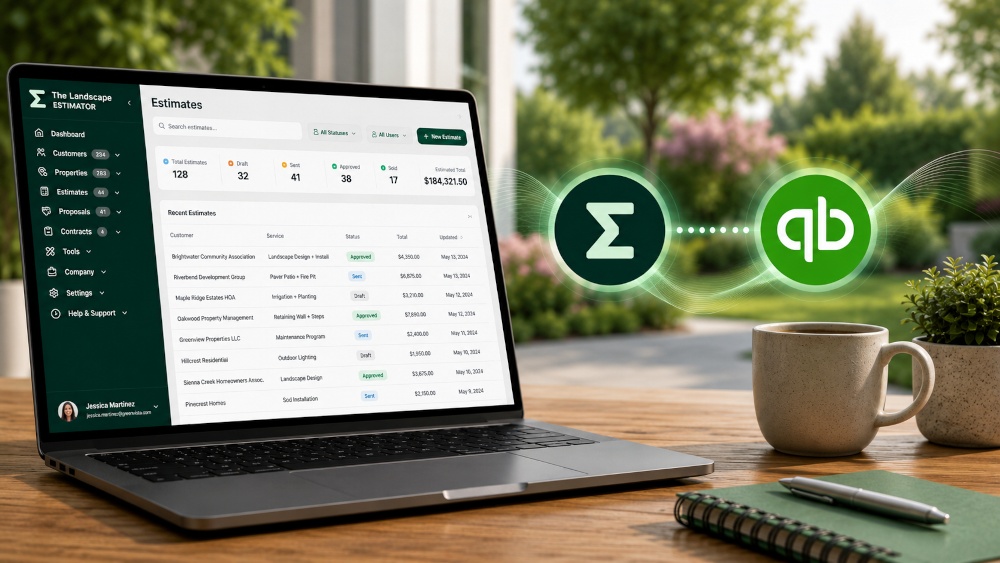
Running a landscaping business often means using multiple software platforms to handle different parts of your operation.
You might build estimates and proposals inside The Landscape Estimator (TLE) while managing accounting, invoicing, and financial reporting through QuickBooks Online.
The challenge is keeping customer, property, and invoice data organized without constantly entering the same information twice.
That’s why TLE includes a built-in QuickBooks Online integration — helping landscaping companies sync customers, properties, and invoices directly between both platforms.
Whether you’re cleaning up your accounting workflow, reducing duplicate entry, or improving office efficiency, connecting TLE with QuickBooks Online can save hours of administrative work every week.
Beta Feature Notice:
The QuickBooks Online integration is currently in beta and actively being tested. Some syncing behavior, field mappings, and workflows may continue to improve as we gather contractor feedback and expand functionality. We appreciate your patience and feedback while we refine the experience.
Why Landscapers Connect TLE with QuickBooks Online
Most landscaping businesses already rely on QuickBooks Online for bookkeeping and financial management.
At the same time, TLE is designed specifically for building professional landscape estimates, managing proposals, and organizing project information.
Using both platforms together allows contractors to separate estimating from accounting while keeping information connected behind the scenes.
Integrating QuickBooks Online with TLE helps businesses:
Reduce duplicate data entry
Keep customer records synchronized
Simplify invoice management
Improve accounting accuracy
Save office staff time
Organize property and customer data
Streamline workflows between sales and accounting
Connecting QuickBooks Online to TLE
TLE makes it simple to connect your QuickBooks Online account directly from Company Settings.
Inside TLE:
Open Company Settings
Navigate to Integrations
Select QuickBooks Online
Connect your QuickBooks account
Authorize the integration
Choose your environment and sync settings
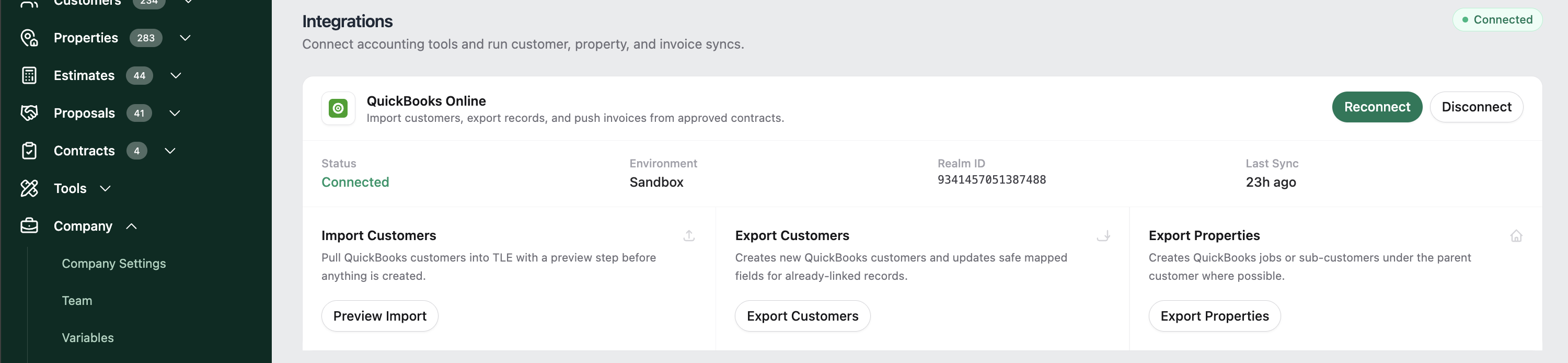
Once connected, TLE can securely communicate with your QuickBooks Online account to help manage customer and property records.
Importing Customers from QuickBooks into TLE
If you already manage customers inside QuickBooks Online, TLE allows you to import them directly into your estimating system.
From the Integrations page:
Click Preview Import
Review the customer records available from QuickBooks
Select which customers to import
Confirm the import into TLE
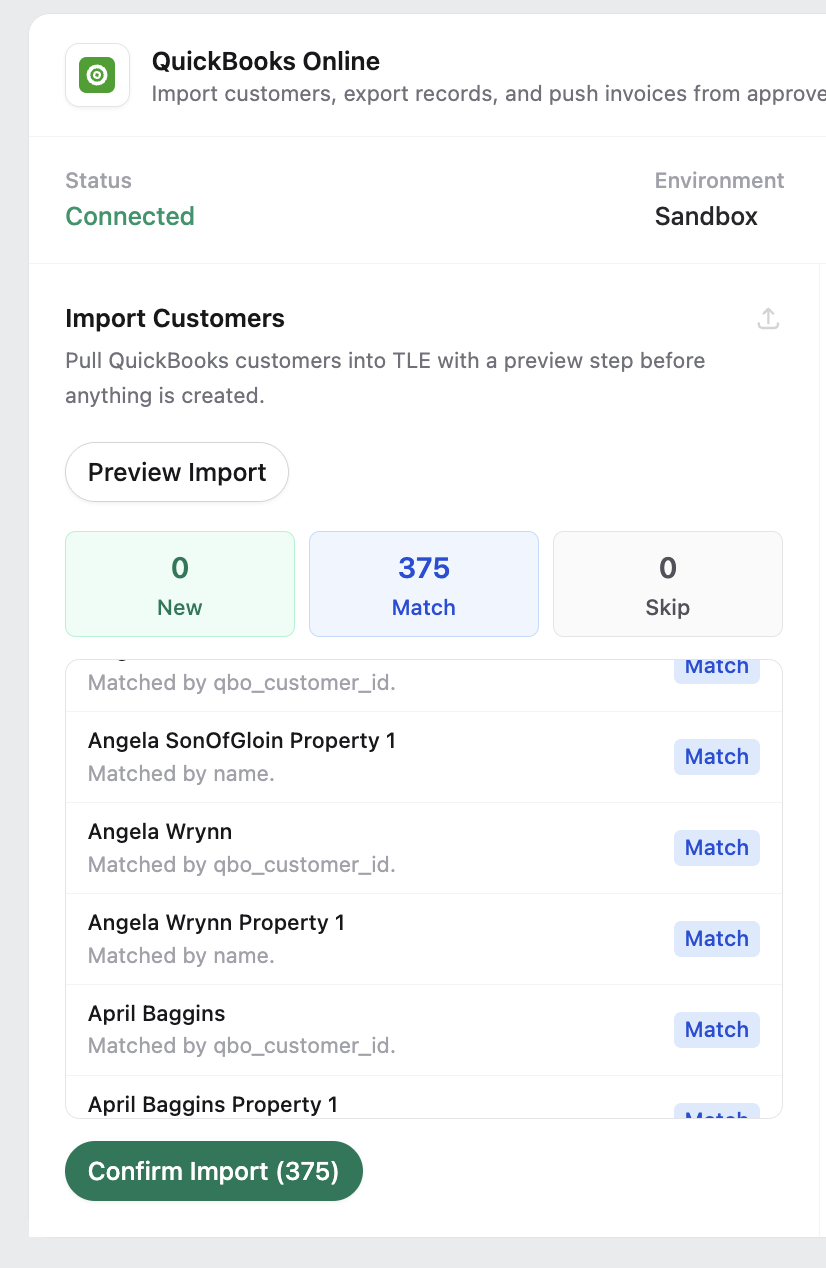
This helps contractors avoid rebuilding customer lists manually when getting started with TLE.
Imported customers can immediately be used for estimates, proposals, and property management.
Exporting Customers from TLE into QuickBooks Online
As new customers are created inside TLE, they can also be exported into QuickBooks Online.
Inside TLE:
Open the Integrations page
Select Export Customers
Review customer mappings
Confirm the export
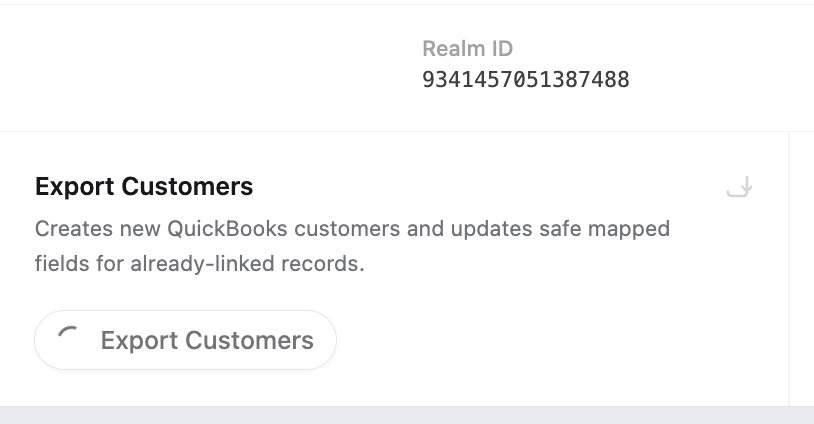
TLE safely maps customer information to existing QuickBooks records whenever possible to help reduce duplicates.
Exporting Properties into QuickBooks Online
For many landscaping companies, properties and service locations are just as important as customer records.
TLE allows contractors to export properties into QuickBooks Online as jobs or sub-customers beneath the parent customer account.
This helps businesses:
Organize multiple service locations
Track projects by property
Improve invoice organization
Maintain cleaner customer records inside QuickBooks
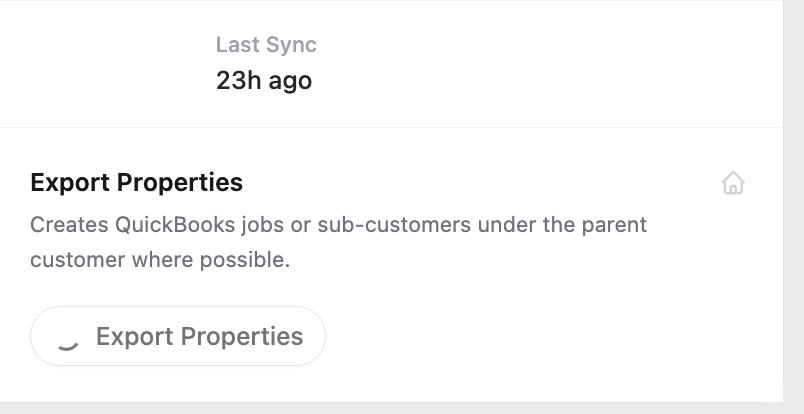
Property syncing is especially helpful for contractors managing HOA properties, commercial accounts, or customers with multiple service locations.
What Information Syncs Between TLE and QuickBooks Online?
Most standard customer and property information can transfer smoothly between systems, including:
Customer names
Company names
Email addresses
Phone numbers
Property addresses
Billing addresses
Notes and contact details
Depending on your workflow, certain accounting-specific fields inside QuickBooks may still require manual review after syncing.
TLE is designed to handle the most important operational data while allowing contractors to maintain full control over their accounting setup.
Sync Logs and Integration Visibility
TLE also includes built-in sync logs so businesses can monitor integration activity and quickly review successful exports, skipped records, or conflicts.
The sync log system helps contractors:
Verify completed exports
Identify duplicate records
Review skipped sync attempts
Troubleshoot integration issues
Maintain clean accounting data
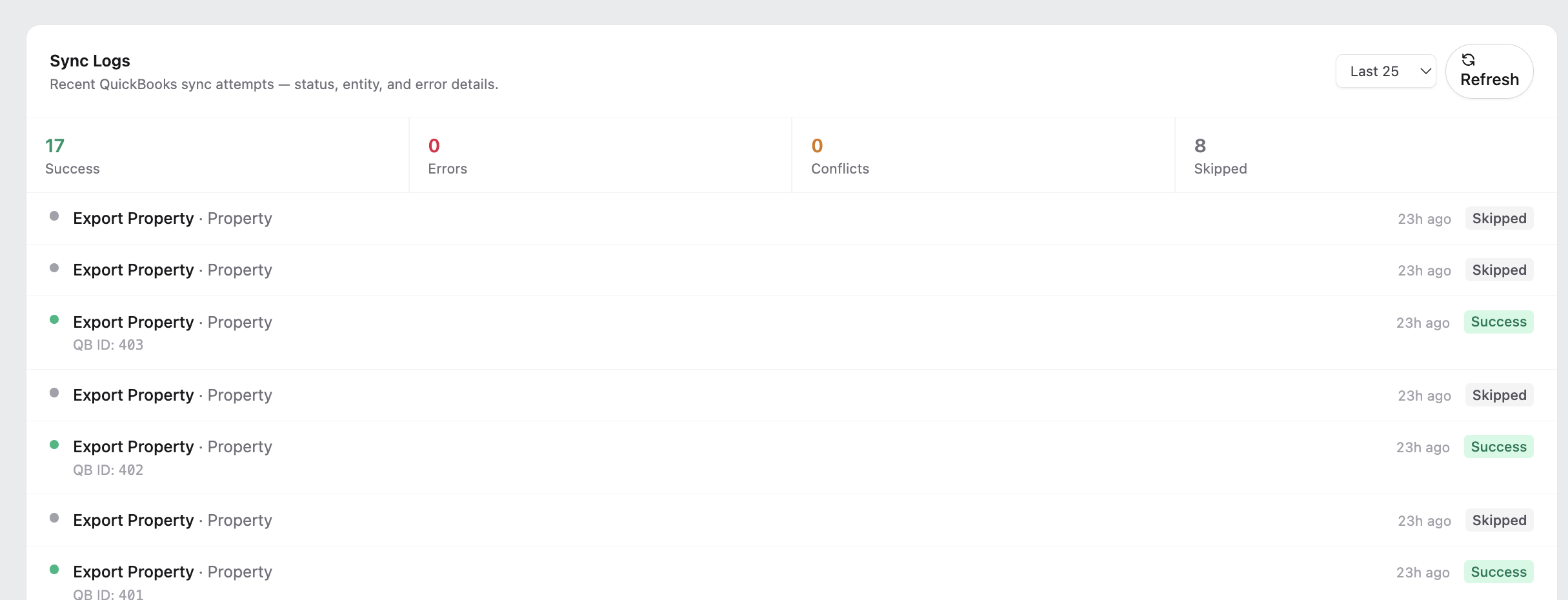
Having visibility into sync activity helps reduce confusion and keeps office workflows organized.
Why Many Contractors Use TLE Alongside QuickBooks Online
Many landscaping businesses prefer using specialized software tools rather than forcing one platform to handle everything.
A common workflow is:
TLE for estimating and proposals
QuickBooks Online for accounting and invoicing
This allows contractors to build fast, professional landscape estimates while continuing to manage financial operations inside a platform their bookkeeping team already understands.
Instead of replacing your accounting workflow, TLE is designed to fit into it.
Tips for a Smooth QuickBooks Integration
Review Your Customer Data First
Before importing or exporting records:
Remove duplicate customers
Verify addresses and contact information
Standardize customer names
Review billing details
Clean customer data helps ensure smoother syncing between systems.
Start with Small Syncs
If you’re syncing a large database, begin with a smaller group of customers first.
This makes it easier to verify mappings and ensure everything appears correctly before syncing your full customer list.
Monitor Sync Logs Regularly
Checking sync logs regularly helps catch duplicate records, skipped exports, or customer mismatches before they become larger accounting issues.
Better Together
At The Landscape Estimator, we understand that landscaping companies rely on multiple platforms to run their businesses efficiently.
Our goal is to make estimating, customer management, and accounting work together more smoothly — without complicated setup or endless spreadsheet work.
By integrating with QuickBooks Online, TLE helps contractors spend less time managing data and more time building profitable landscaping projects.
Stay tuned for more articles in our “Better Together” series, where we highlight how TLE works alongside the software landscapers already use every day.
Help Us Improve the Integration
Since this QuickBooks Online integration is currently in beta, user feedback plays a huge role in helping us improve reliability, syncing behavior, and future features. If you encounter issues or have suggestions, we’d love to hear from you as we continue expanding the integration experience inside TLE.
Keep reading
More updates, releases, and estimating ideas are in the newsroom.